Portfolio Atlas
- Deliverable:
- Locally hosted web app powered by Streamlit
- Tech Stack:
- Python + SQLite + Streamlit + yfinance + Plotly
- Built with:
- Claude Code (Pro Plan) + ChatGPT (free tier)
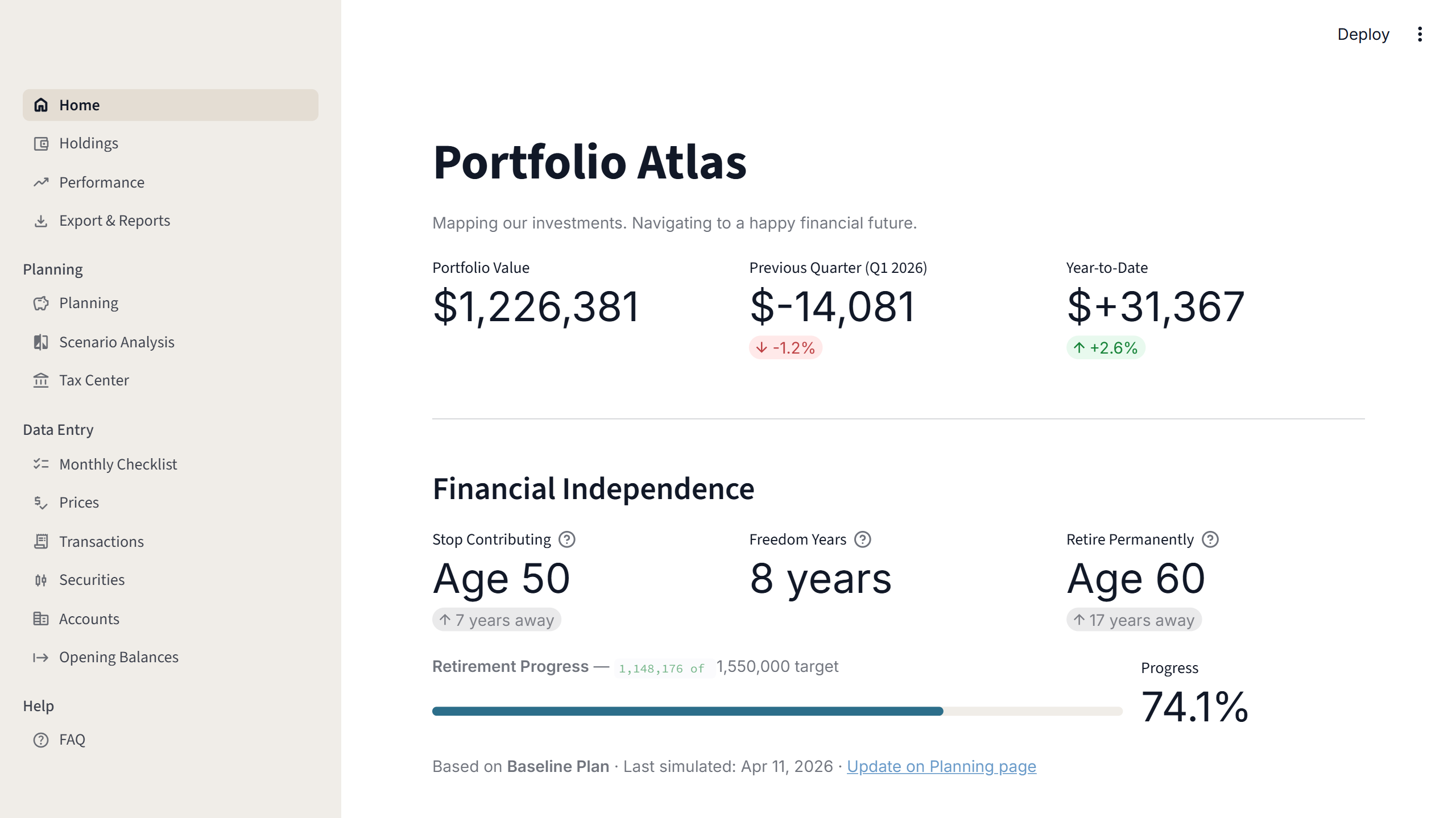
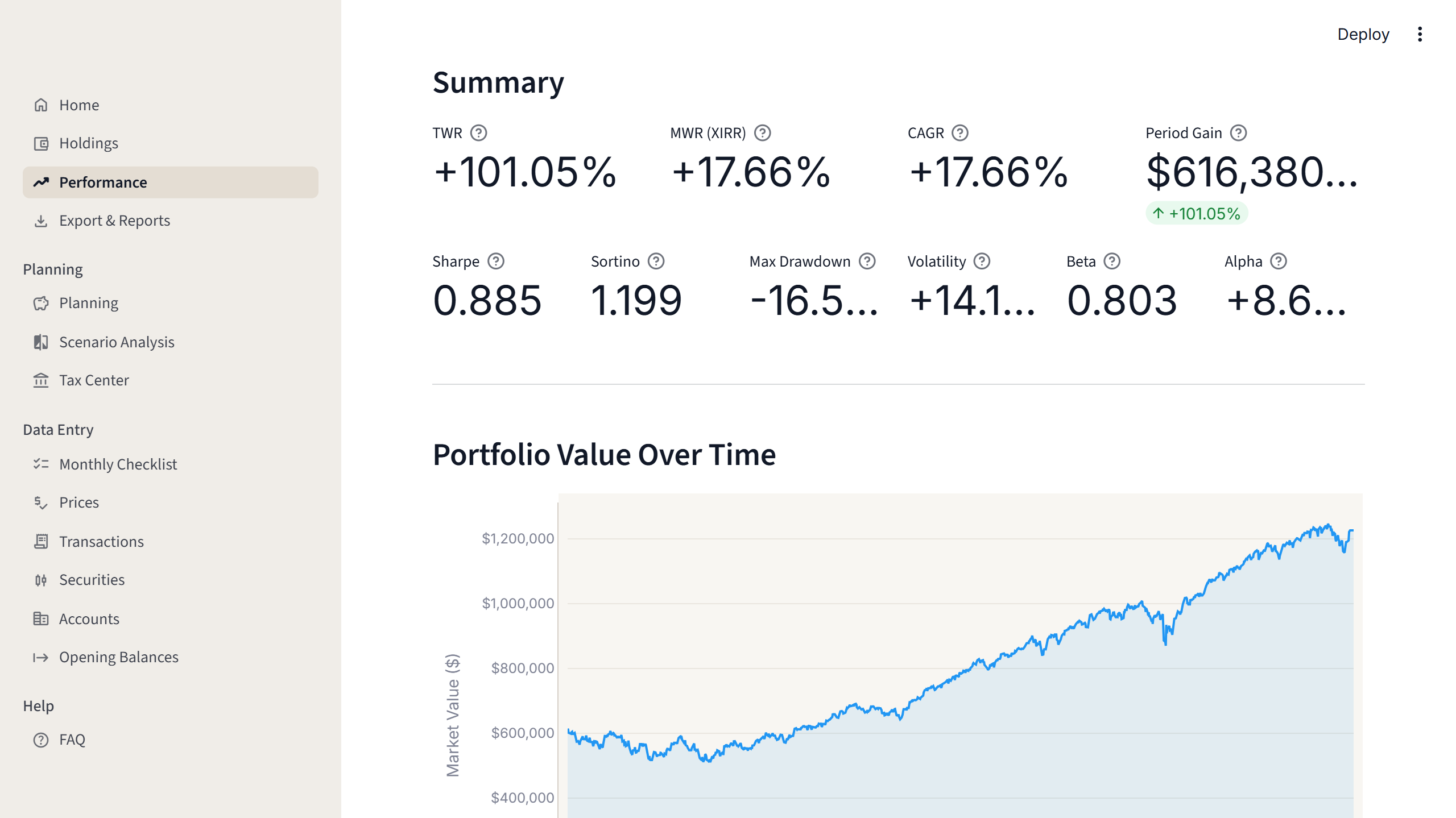
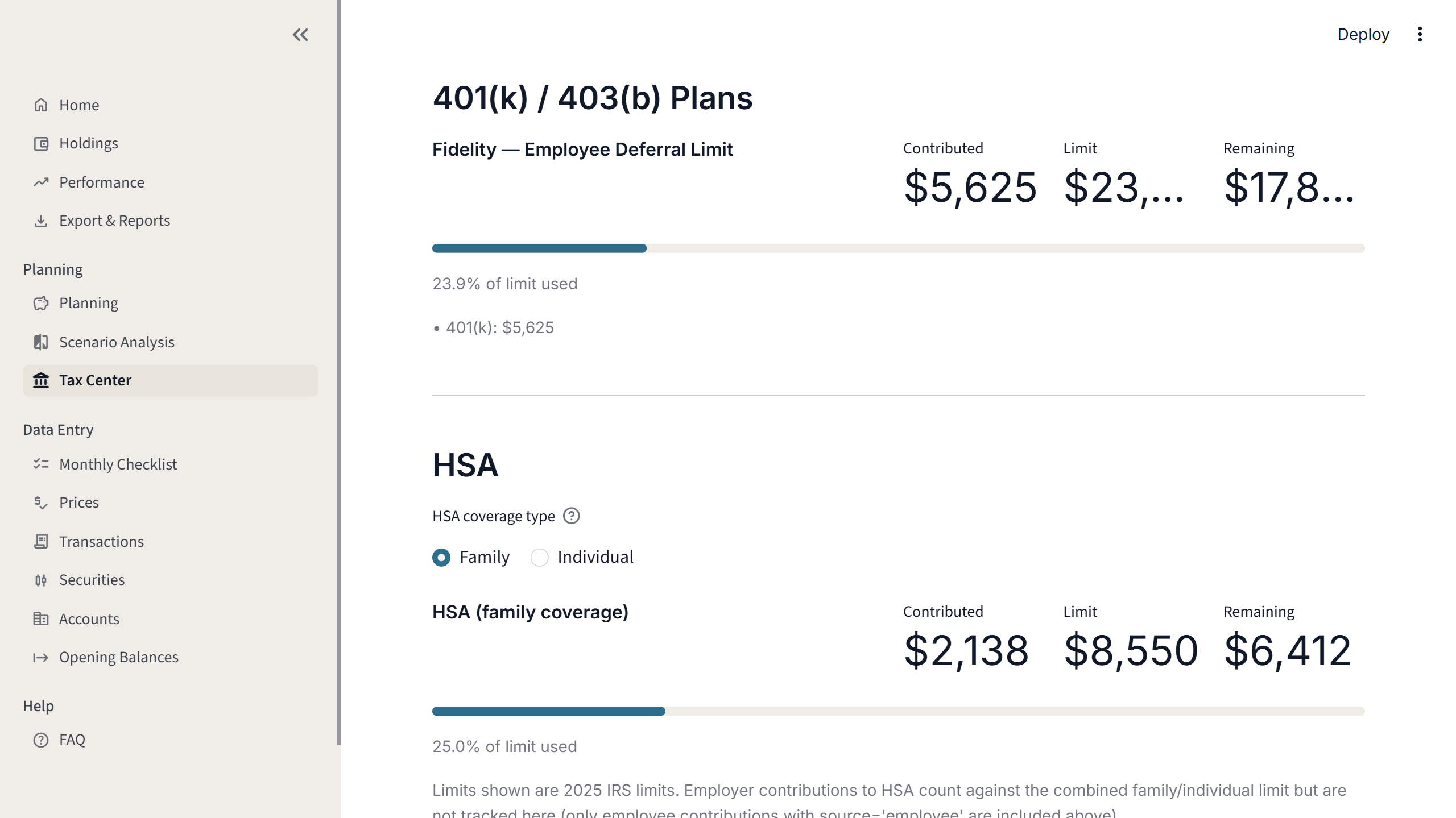
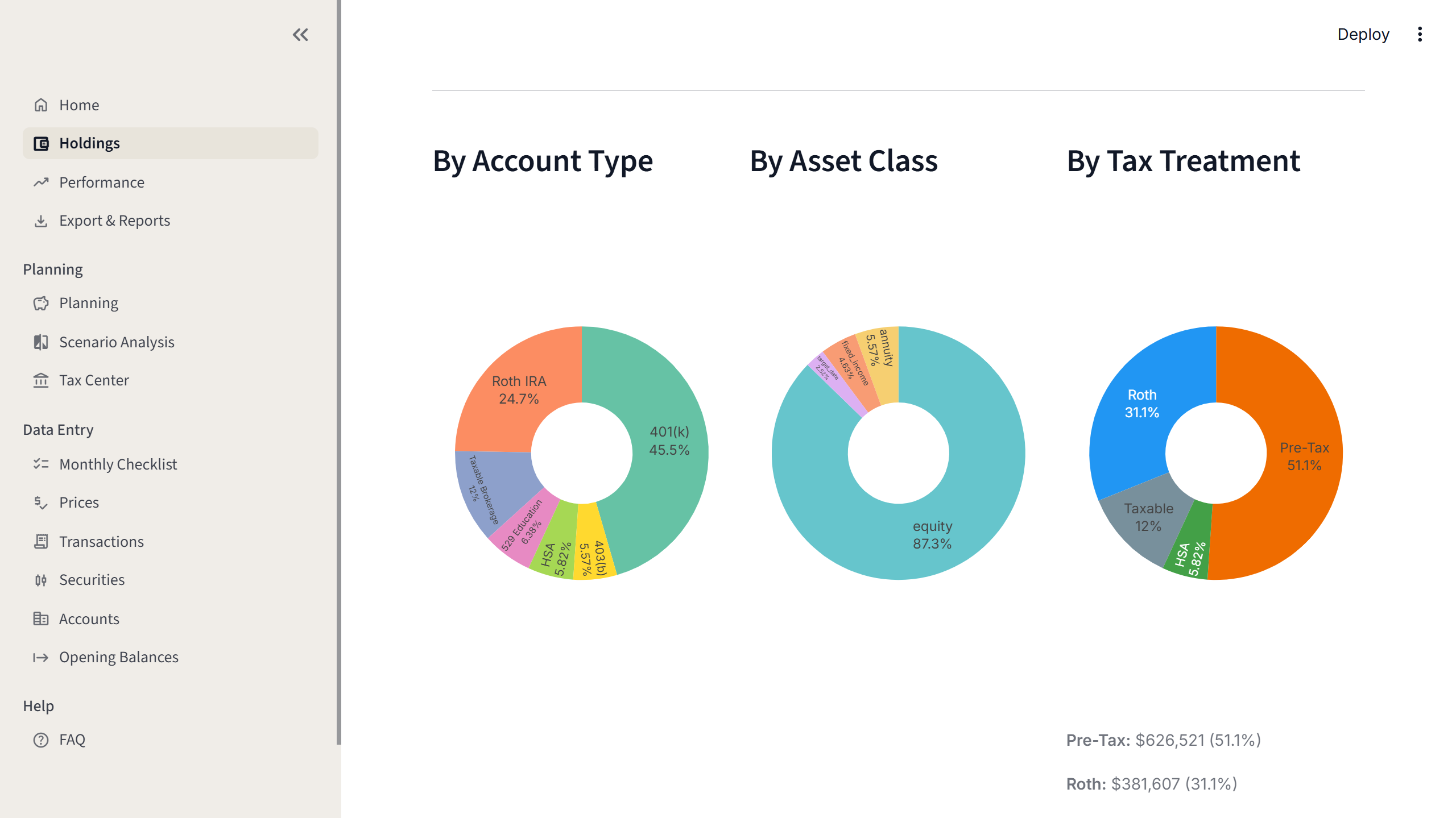
Most investors who've grown past the basics run into the same wall. The portfolio is spread across various institutions. There's no single view of what you actually own, just a set of disconnected account summaries that require effort to mentally assemble and can't tell you anything about performance, risk, or where you actually stand relative to retirement.
Commercial aggregation tools address this, partially. The familiar ones require live connections to financial institutions. Those connections break. The reporting is shallow. The metrics are standard issue. Customization is minimal, and the features that might be genuinely useful are either absent or paywalled behind a subscription that isn't justified by the value delivered.
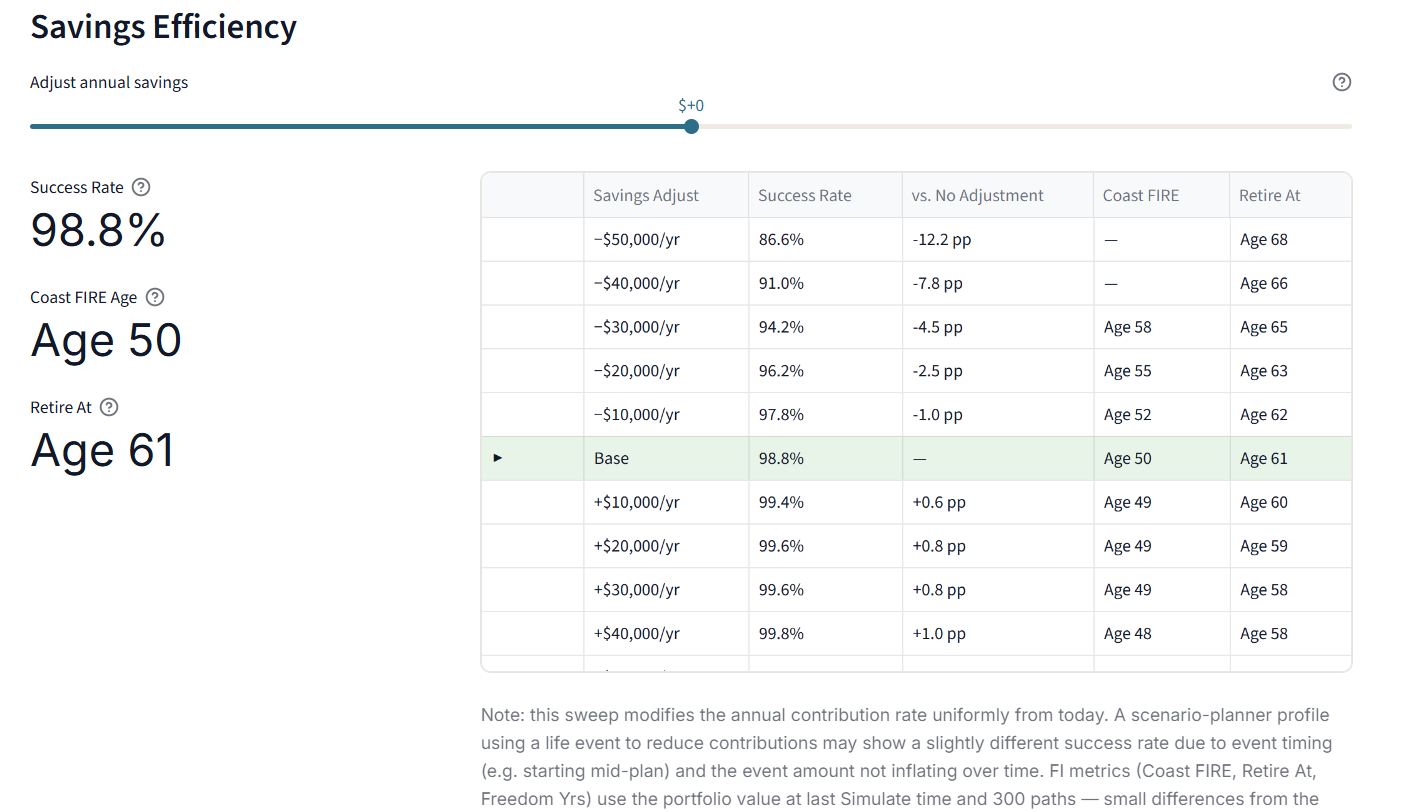
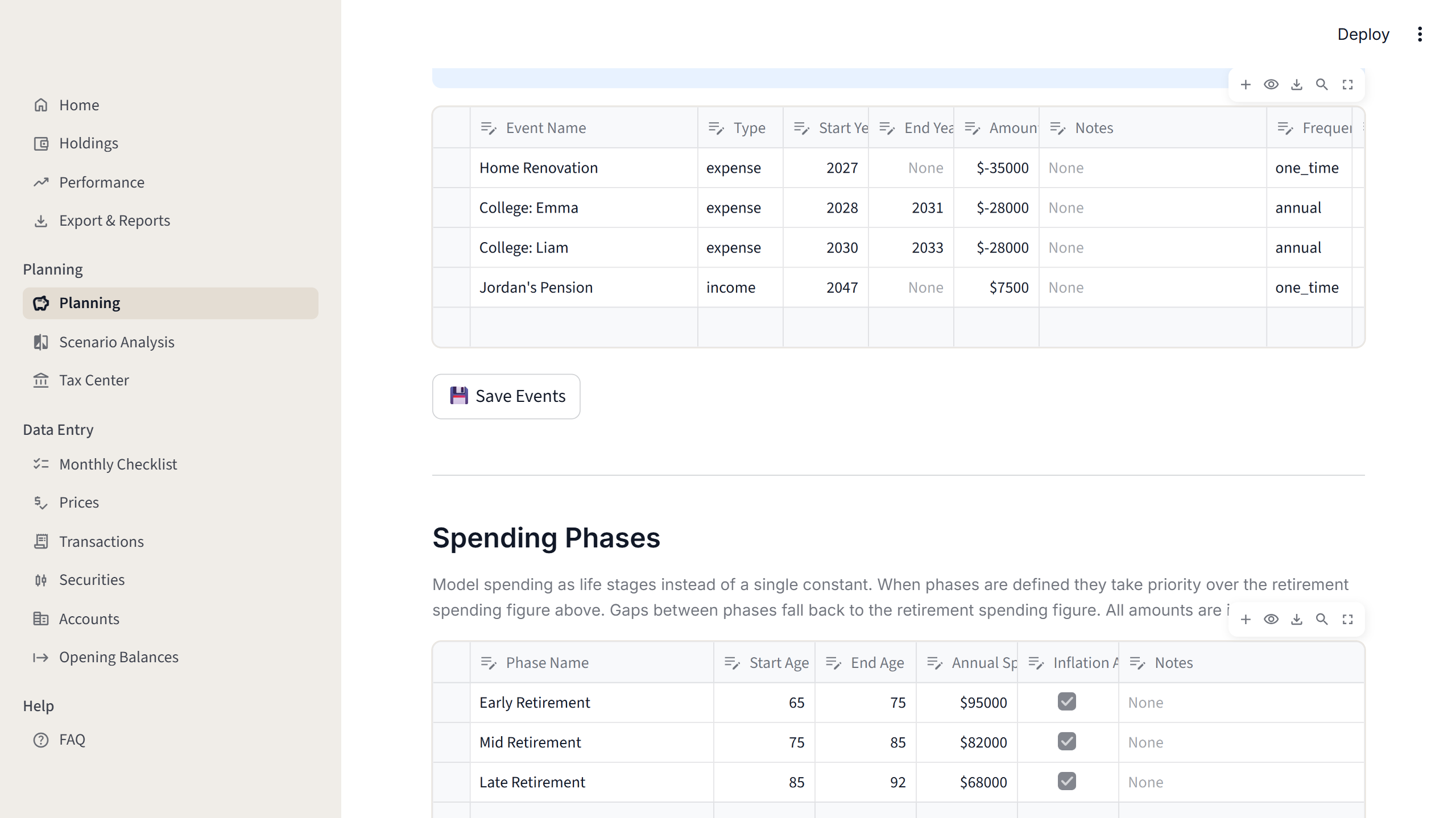
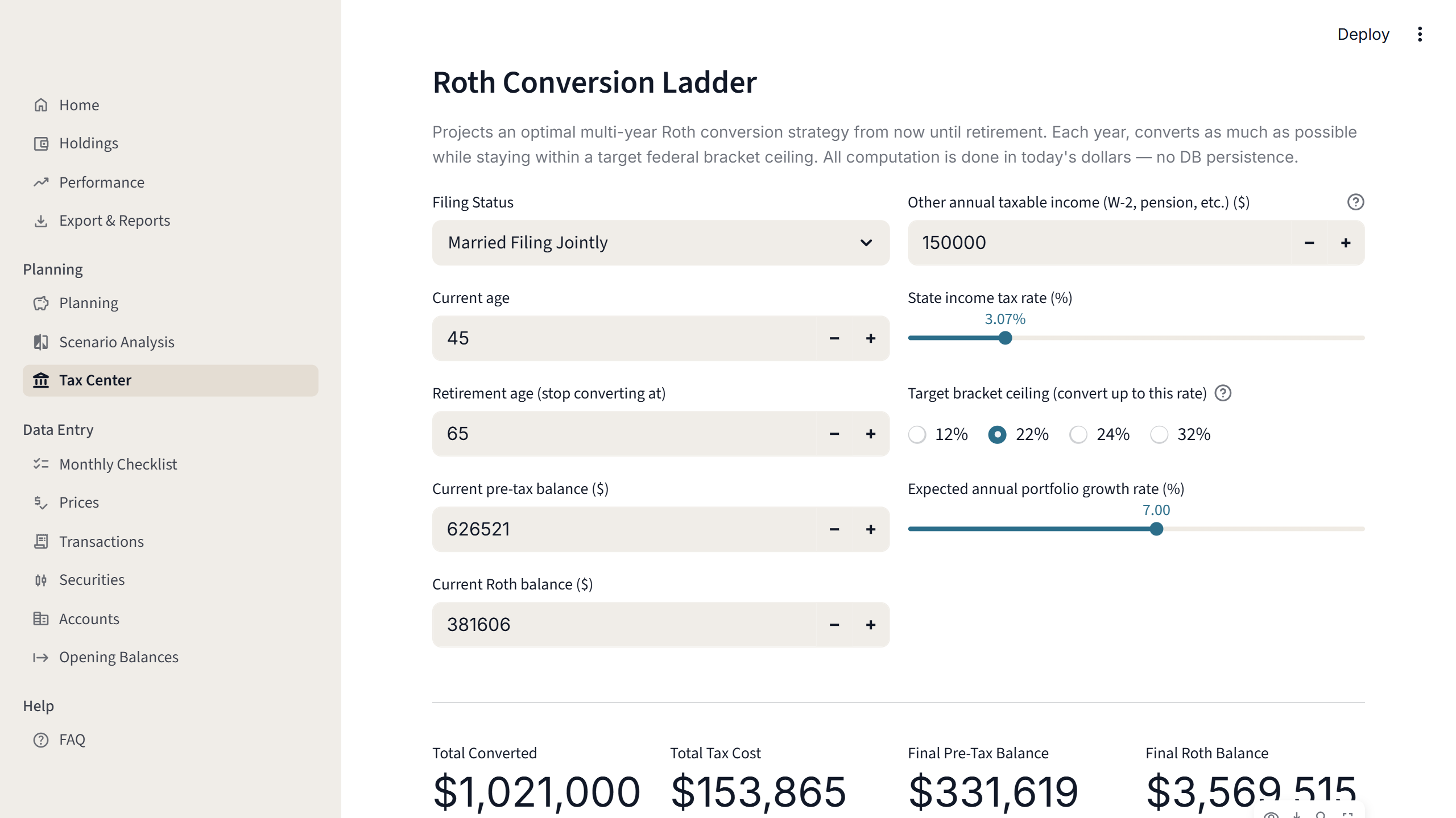
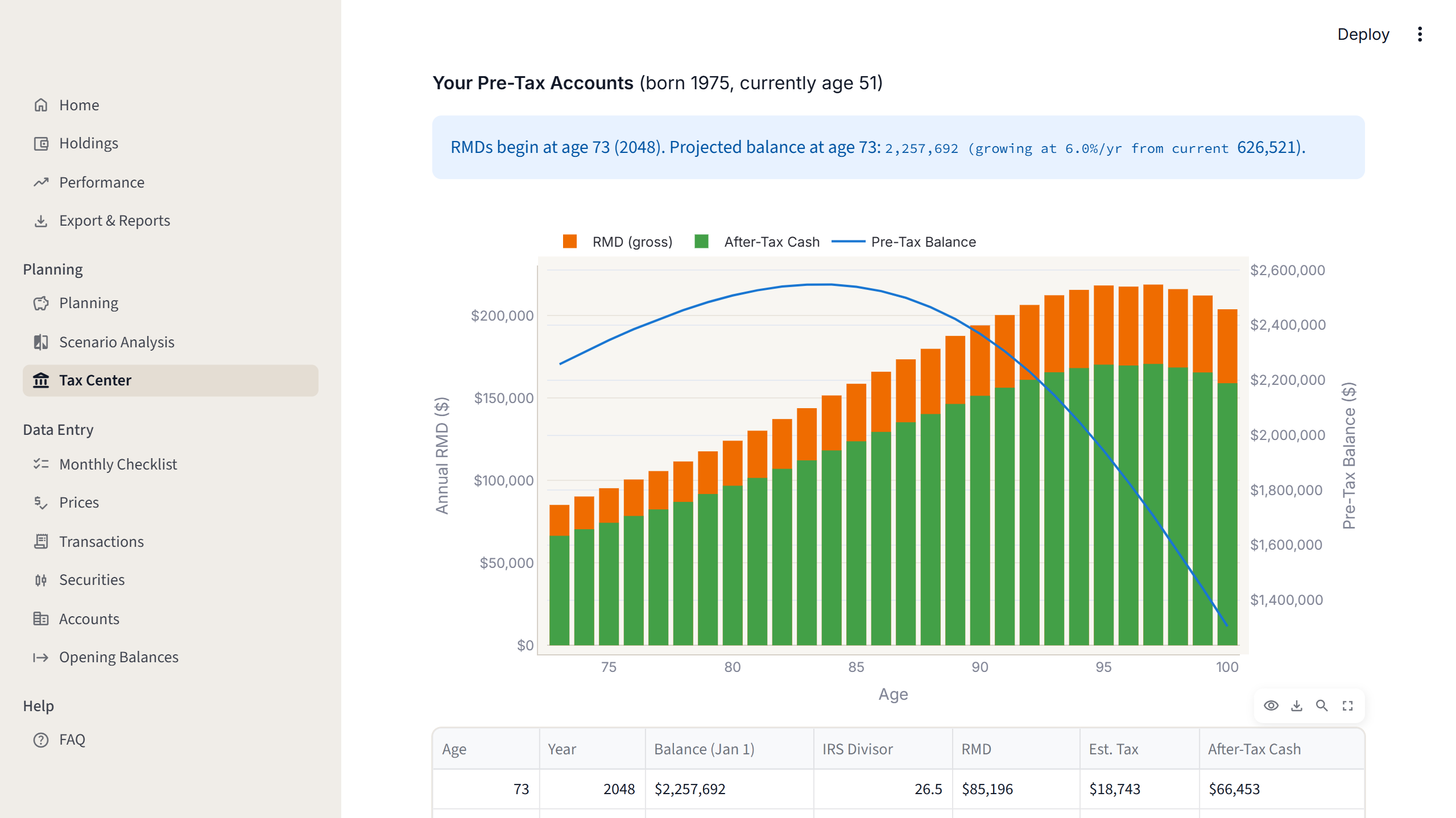
Spreadsheets fill the gap for a while. They're adequate for basic tracking, but they become brittle with added complexity. Running something like a retirement projection requires modeling multiple market scenarios, Social Security timing, different withdrawal strategies, and the tradeoffs around contribution stop ages, simultaneously and interactively. Formulas weren't designed for this.
The goal for Portfolio Atlas was a system capable of answering the investment questions that really matter: whether the current trajectory is sufficient, what the cost of different decisions might be, and where the real risks are.
Phonics App
- Deliverable:
- iPad-optimized React/Vite SPA deployed via Vercel
- Tech Stack:
- React + Vite + JavaScript/TypeScript + Vercel (hosting/CI) + ESLint
- Built with:
- Claude Code (Pro Plan) + ChatGPT (free tier)
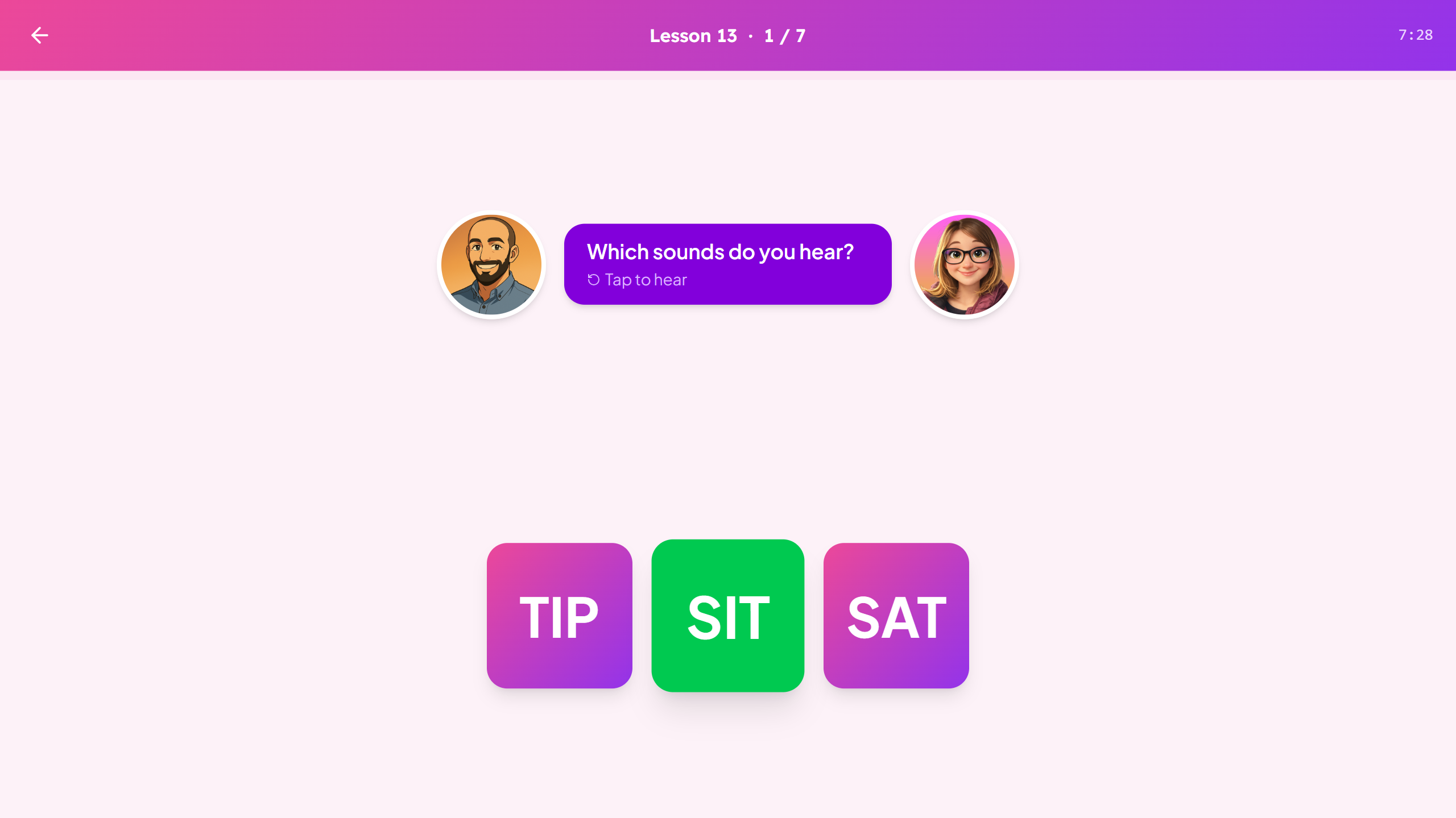
Most phonics apps work the same way. A learner moves through a sequence. When they struggle, they stay on the struggling step until they get it right enough to advance. The next lesson is always the next lesson in the list. This works for learners who happen to track well against the designed sequence. It does not work for learners who don't.
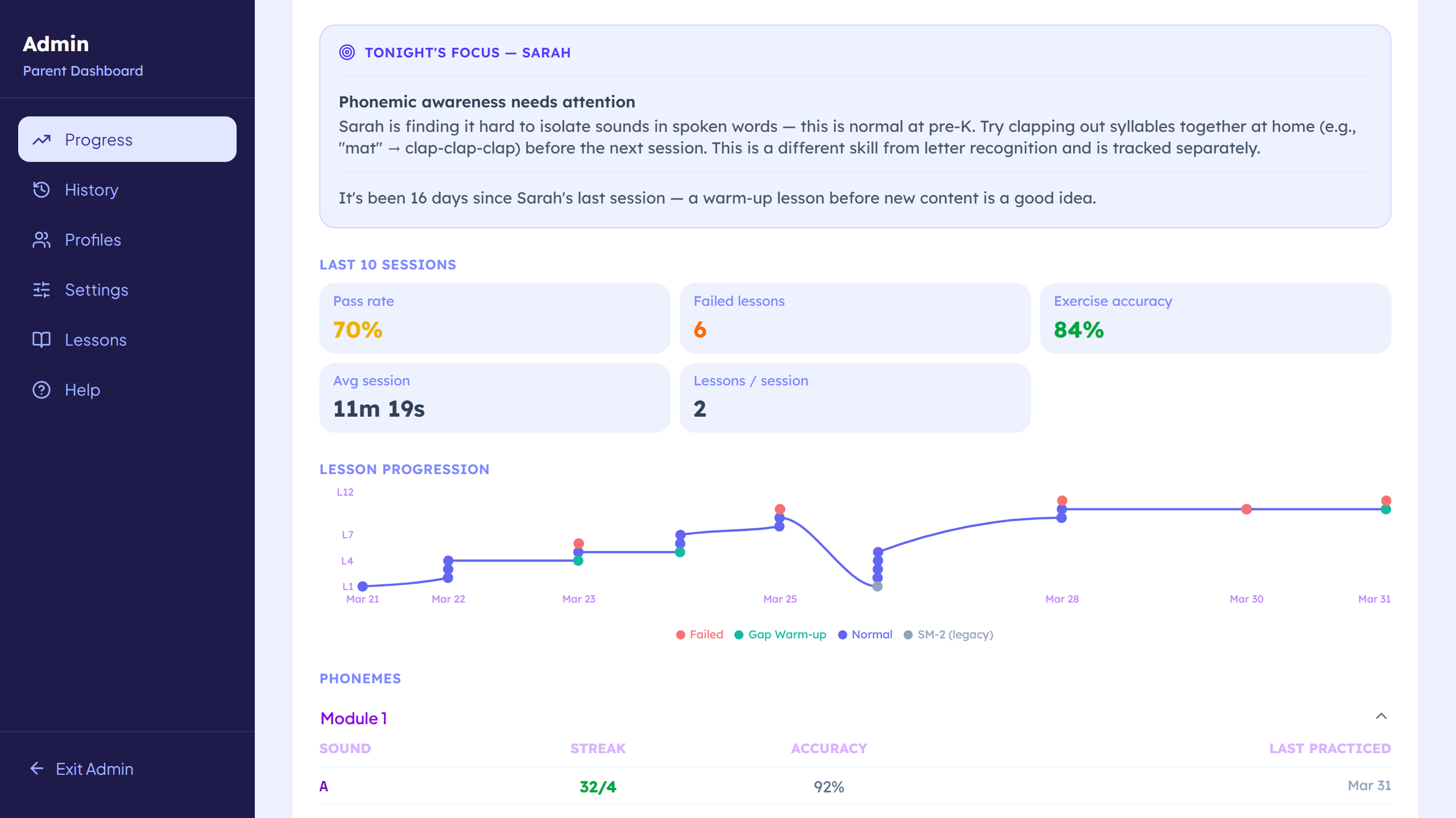
The gap isn't visible to the app. It can't be, because linear progression doesn't produce the data needed to see it. A child who understands vowel sounds in isolation but loses that understanding when consonant blends are added needs something different than repetition of the same lesson. Science of Reading research has documented this for decades. Most apps haven't built for it.
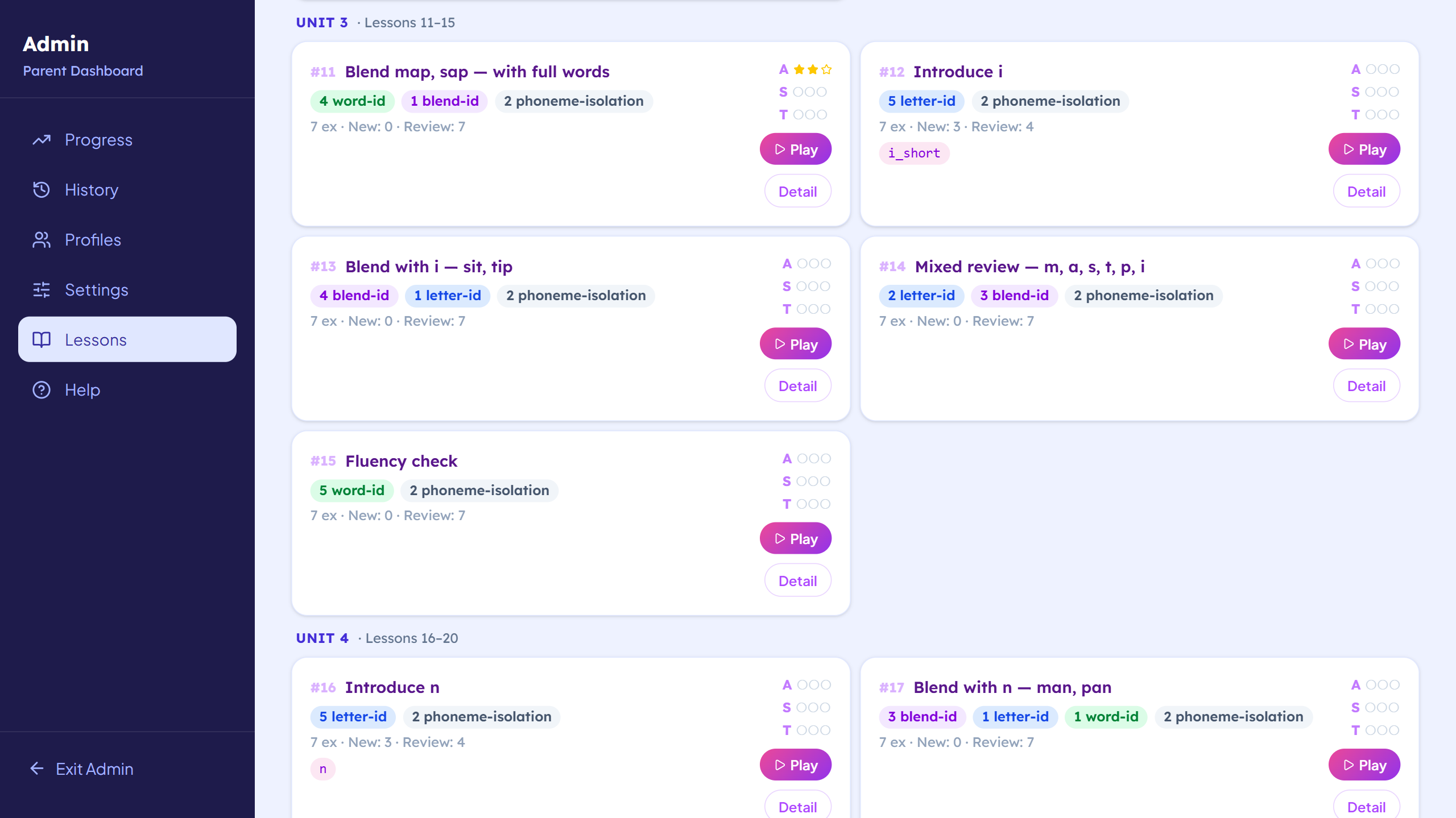
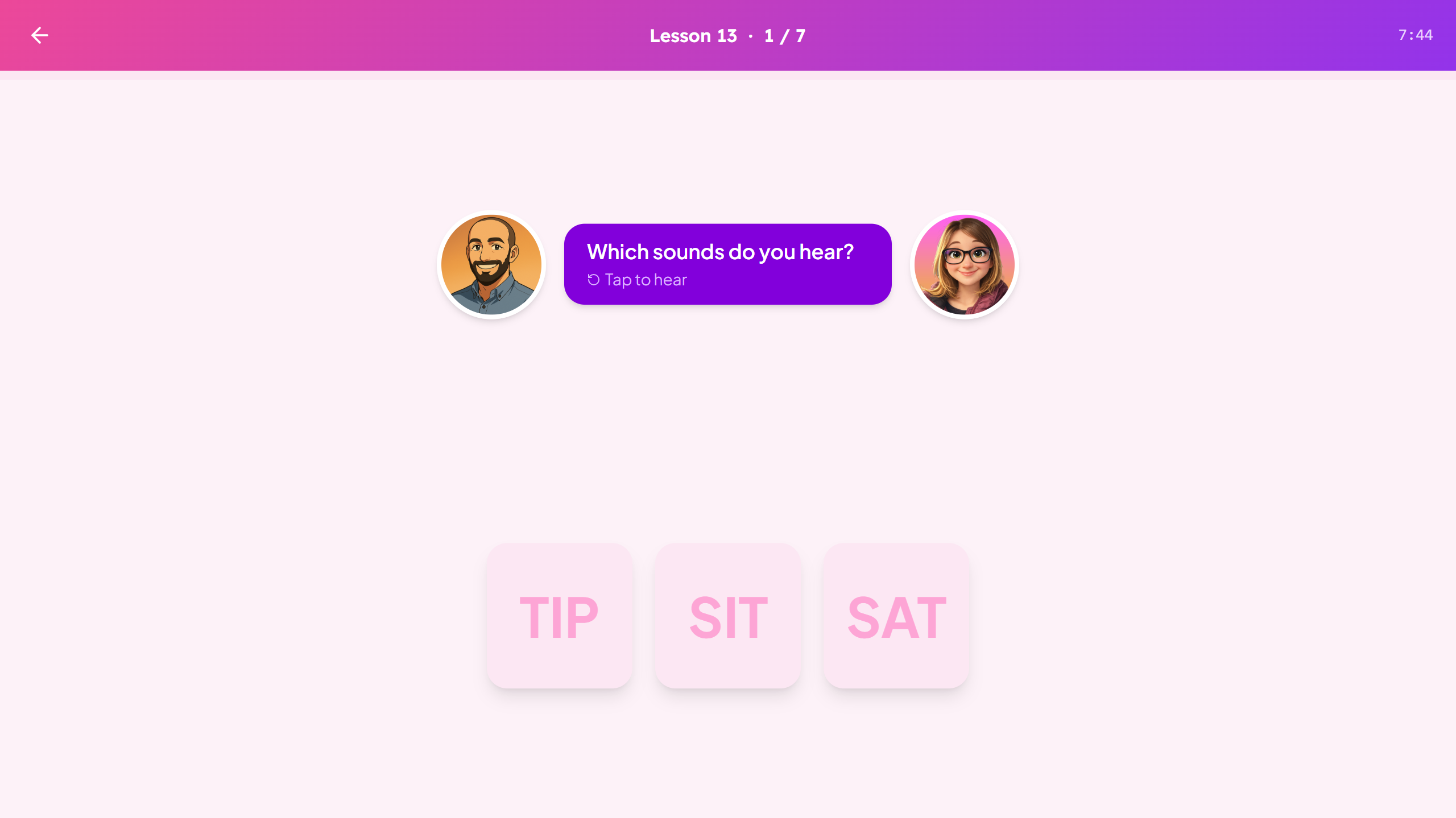
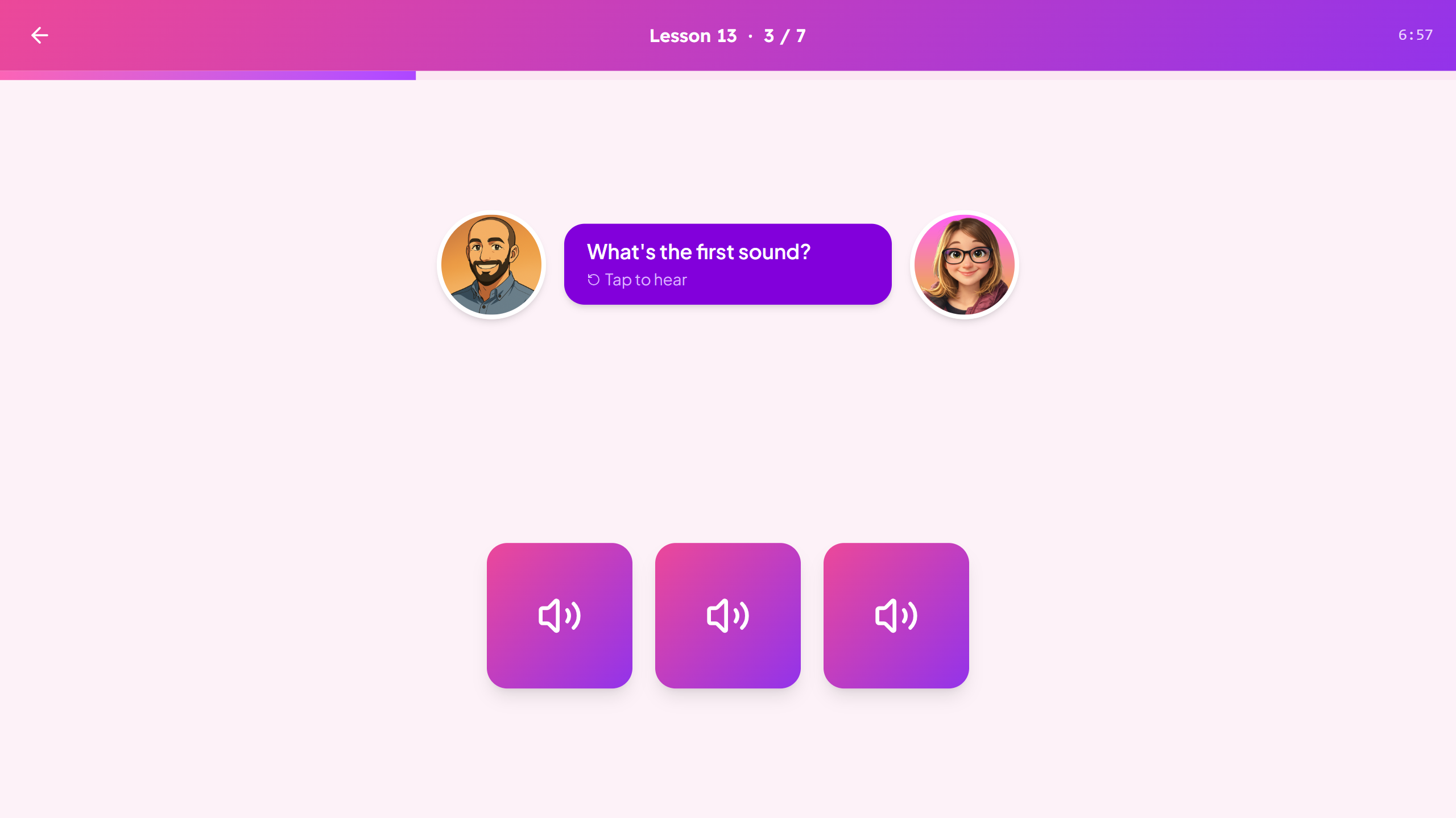
The Phonics App separates phonemic awareness from phonics instruction and tracks them as distinct skills. When a learner's performance degrades, the adaptive engine reroutes them, silently, to a lesson better matched to where the gap actually is. From the learner's perspective, the app just continues. There is no "you failed, try again." There is only the right next thing.
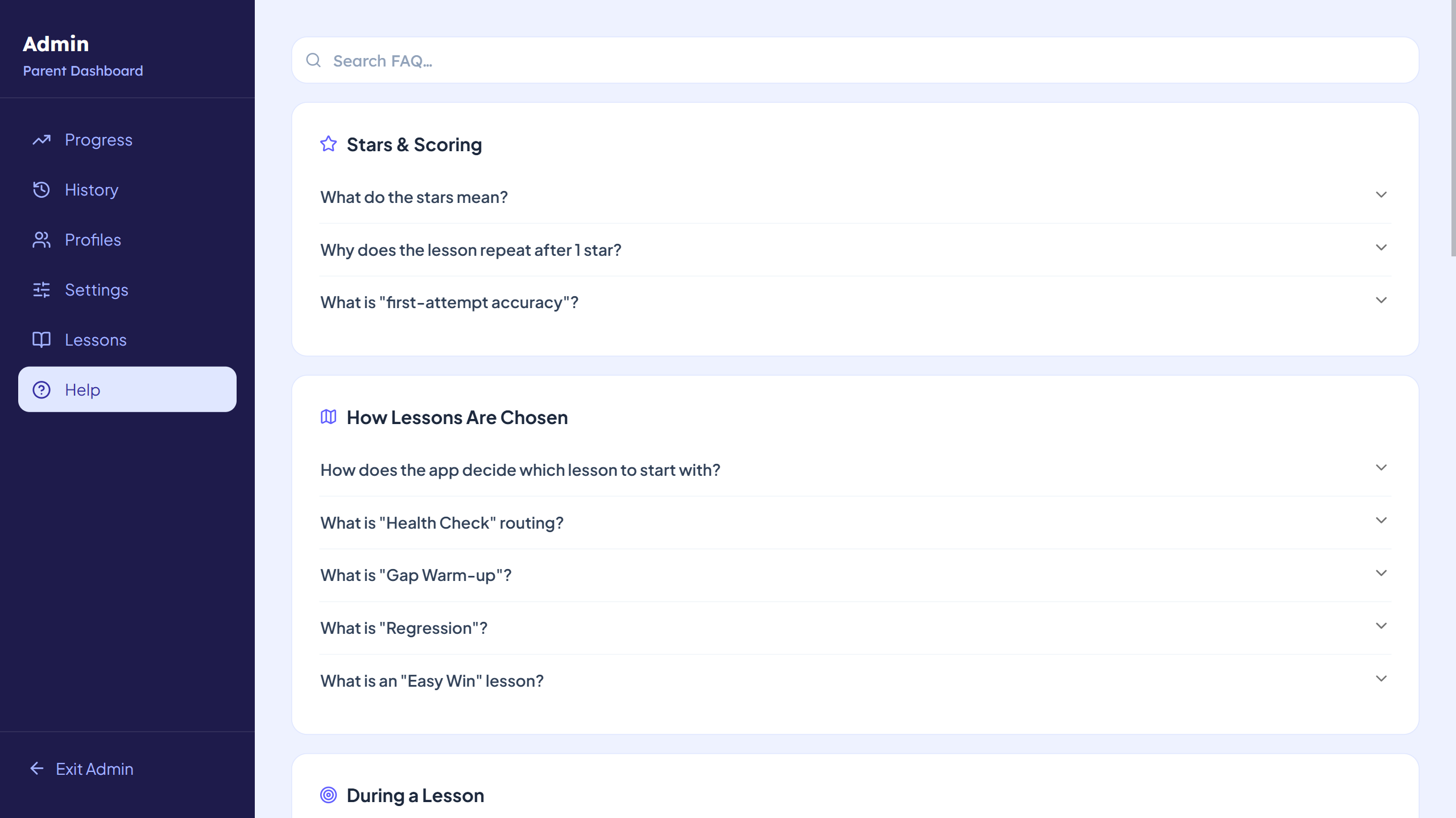
The parent dashboard was built around the questions that actually matter at home: which specific sounds are solidly learned, which are fragile, which phoneme pairs are being confused, and what to do about it. The coaching prompts are specific, not generic. They reflect what the data shows, not what the developers guessed might be useful to know.
DinnerReady!
- Deliverable:
- Full-stack SPA (Vue frontend + Express API) deployed to Render
- Tech Stack:
- Vue 3 + Vite + Node/Express + Turso (cloud SQLite)
- Built with:
- Claude Code (Pro Plan) + ChatGPT (free tier)
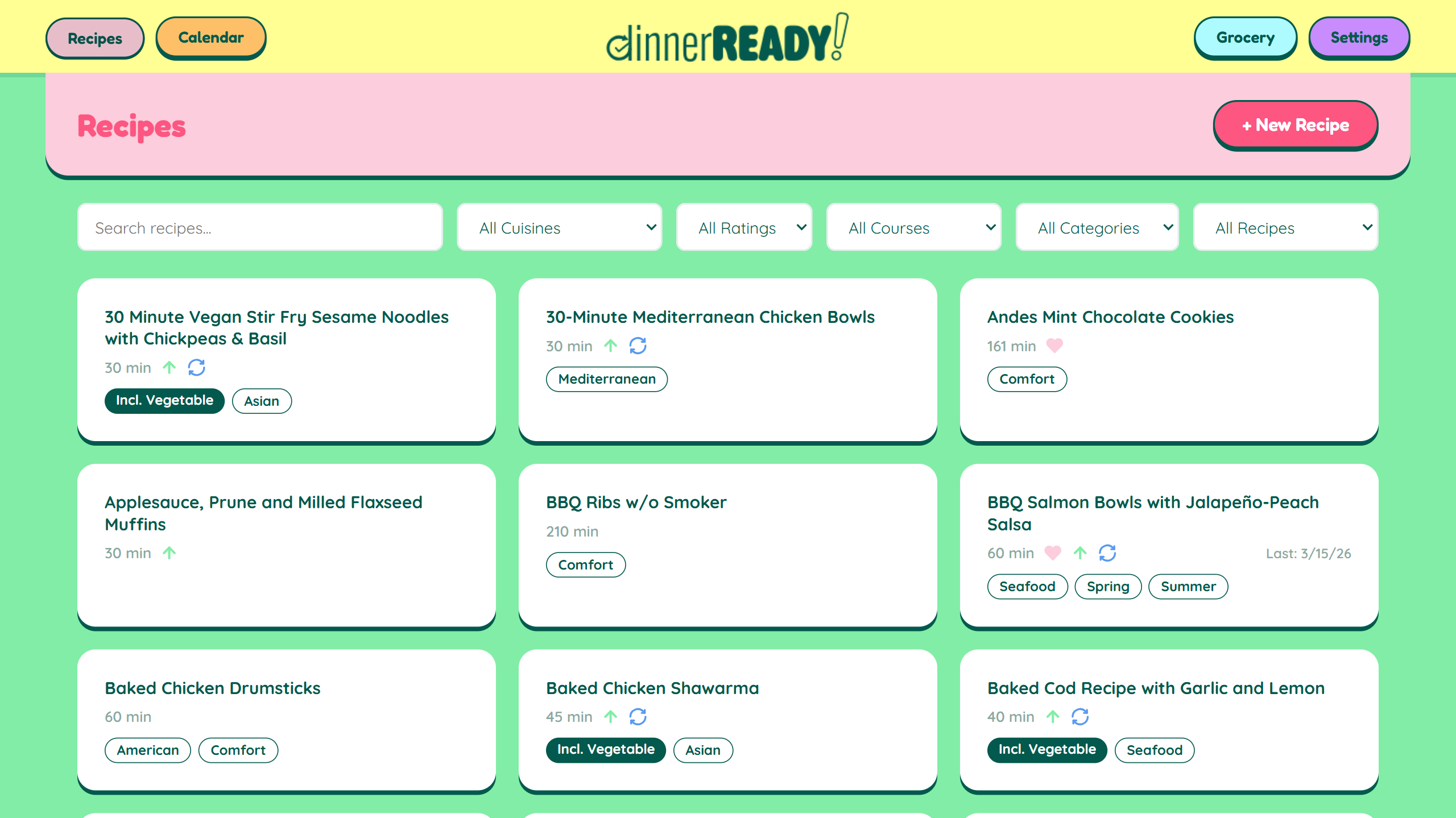
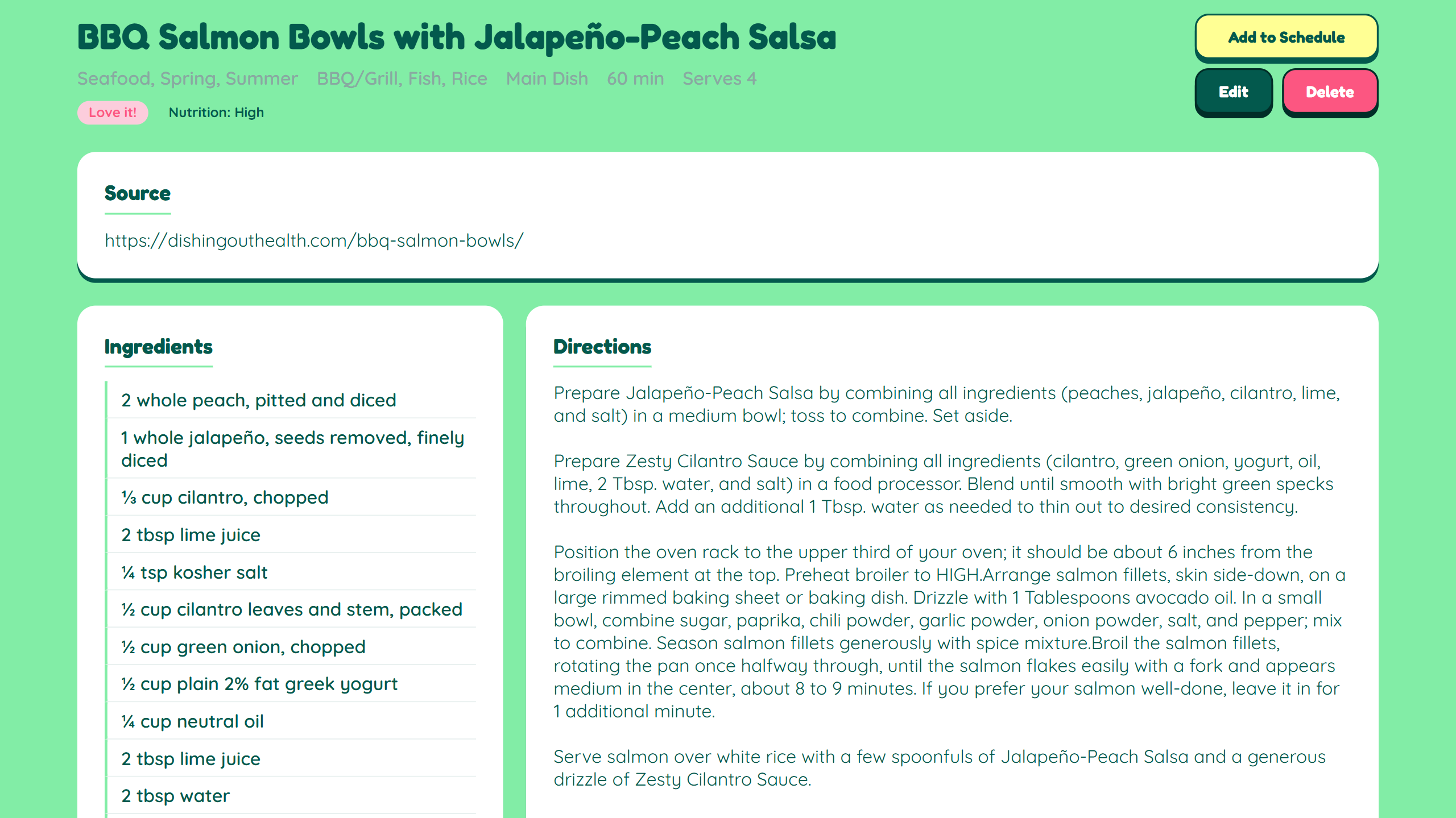
Meal planning sounds like a solved problem. There are apps for it. There are services that do it entirely: meals designed, grocery lists generated, delivery arranged. The planning itself isn't what makes it hard. What makes it hard is the constraint surface. A real household's meal planning doesn't involve choosing from any recipe. It involves choosing from recipes that fit this week's schedule, that haven't appeared recently, that respect several people's preferences, that can be made in the time actually available on a given night.
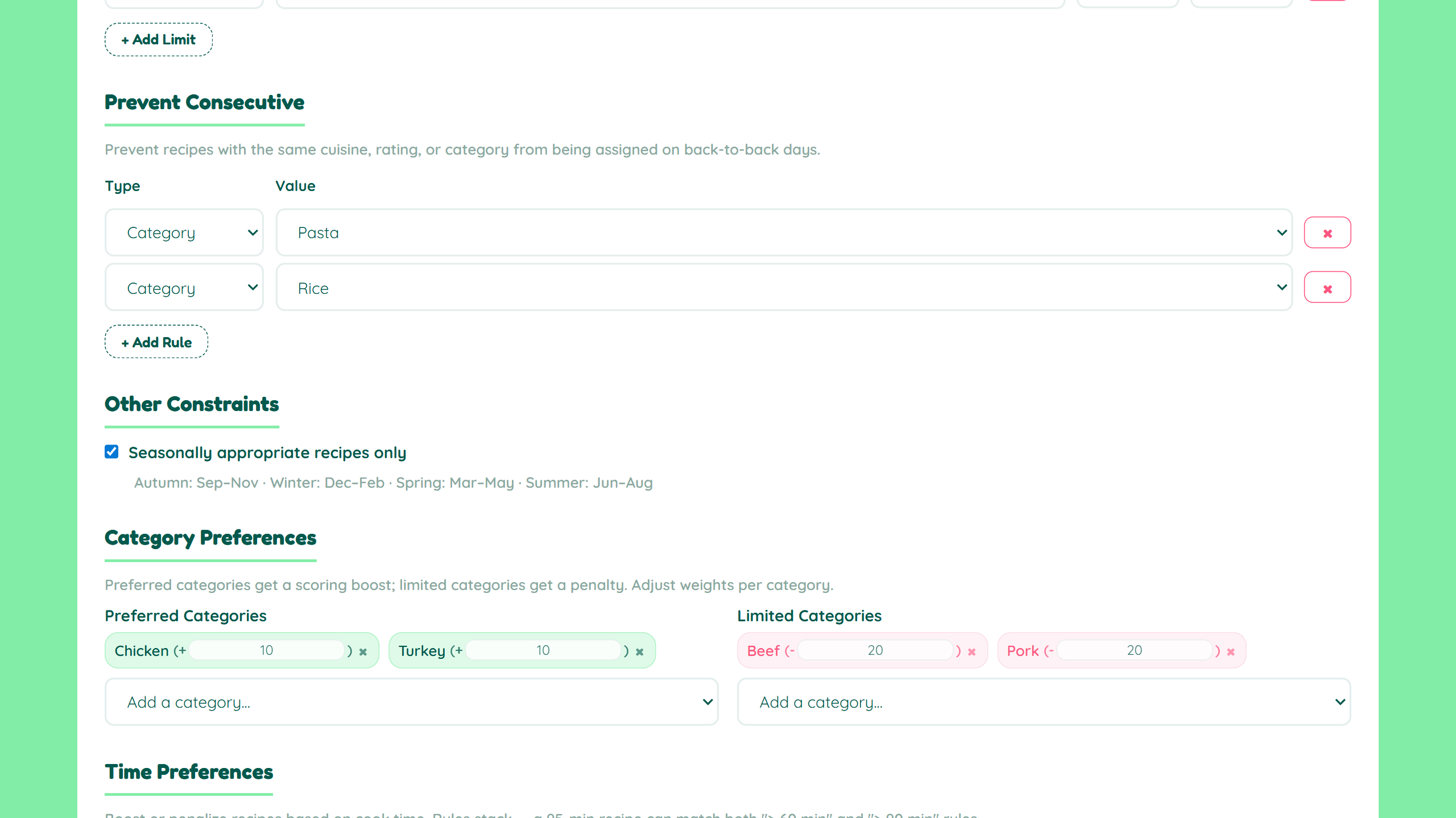
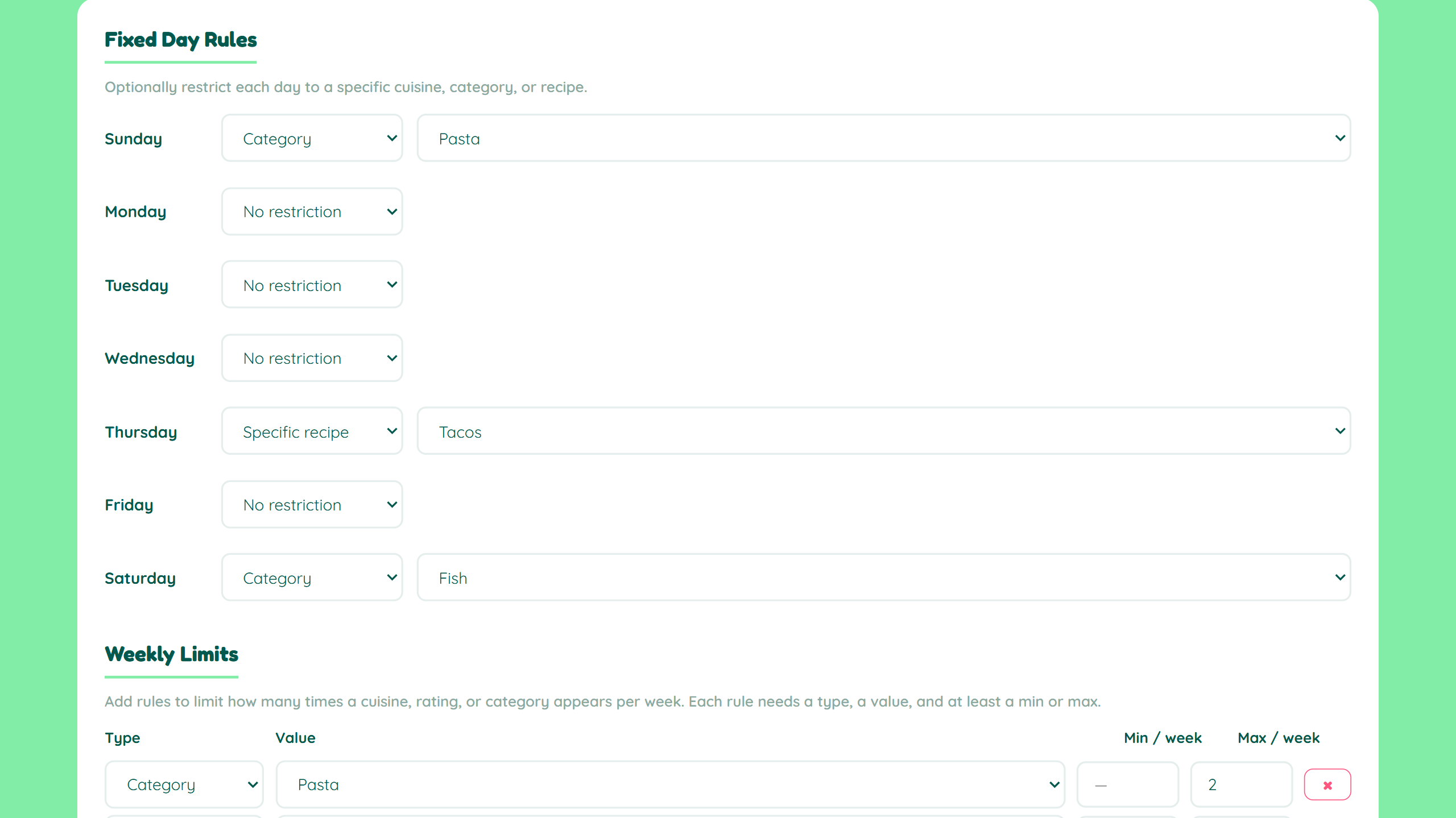
The apps designed for the general case can't hold that. They can suggest recipes. They can generate shopping lists. Most can't enforce a four-week lookback to prevent repetition, or handle cook-time preferences that vary by day of the week, or enforce limits on consecutive nights of the same cuisine. The constraint complexity isn't unusual. Most households have it. The tools just don't reflect it.
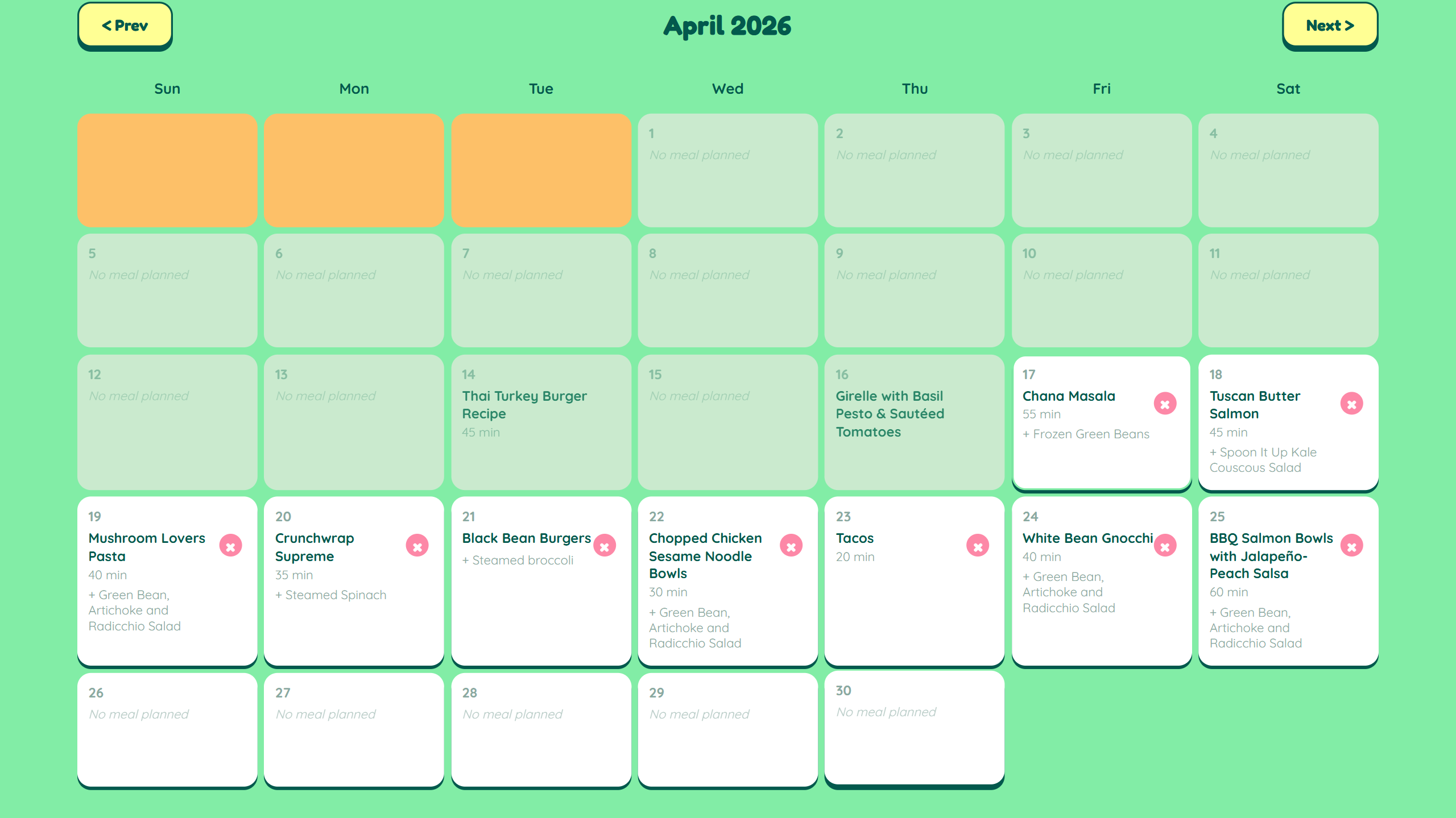
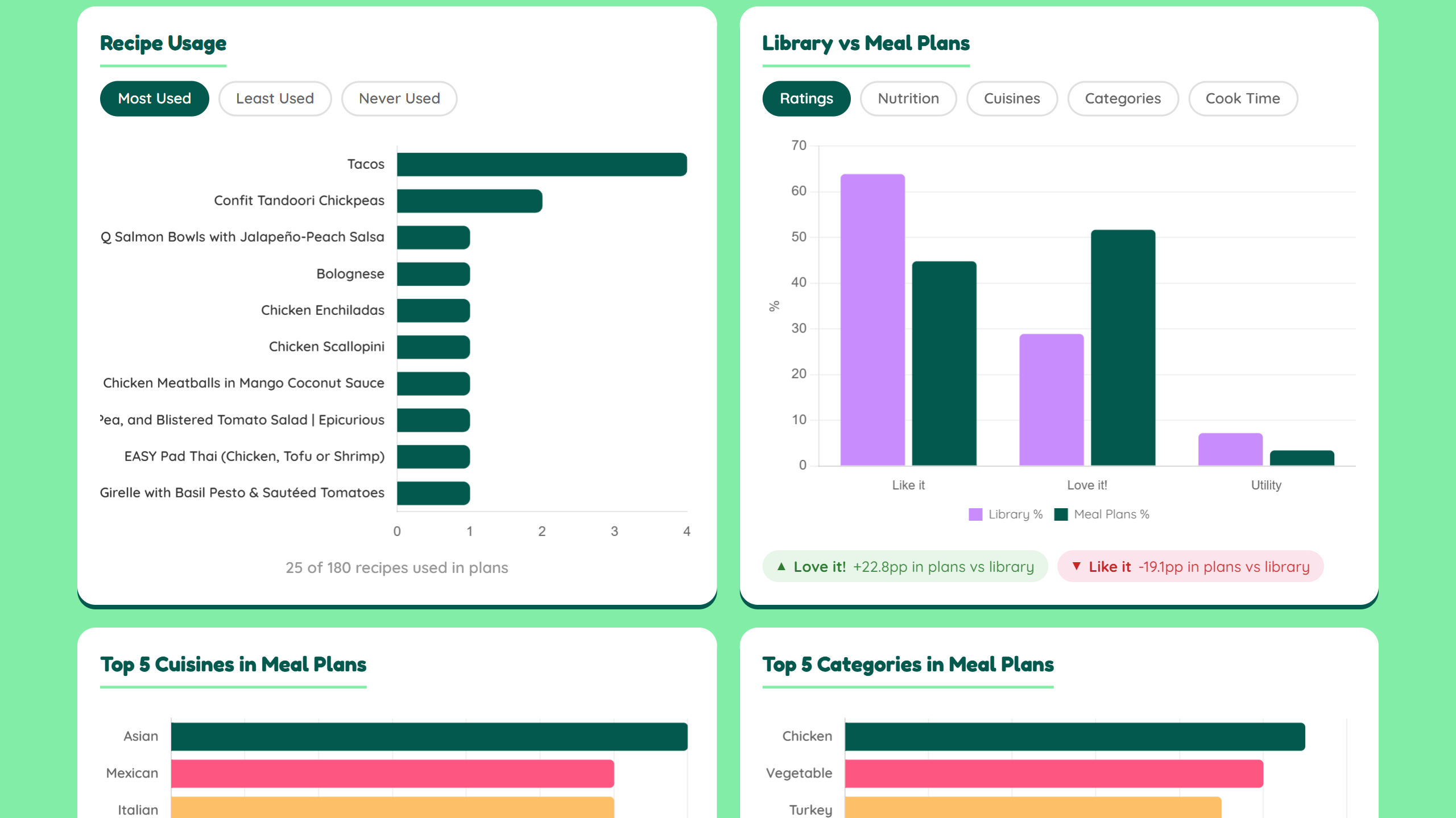
DinnerReady! uses a backtracking solver to generate weekly meal plans against a configurable set of rules: cooldown periods between repeated meals, cuisine and category limits, consecutive-day restrictions, seasonal availability, and cook-time preferences by day. It generates up to fifty valid plans in a pass and selects from among them. The four-week history prevents week-to-week repetition without requiring the user to manage it manually.
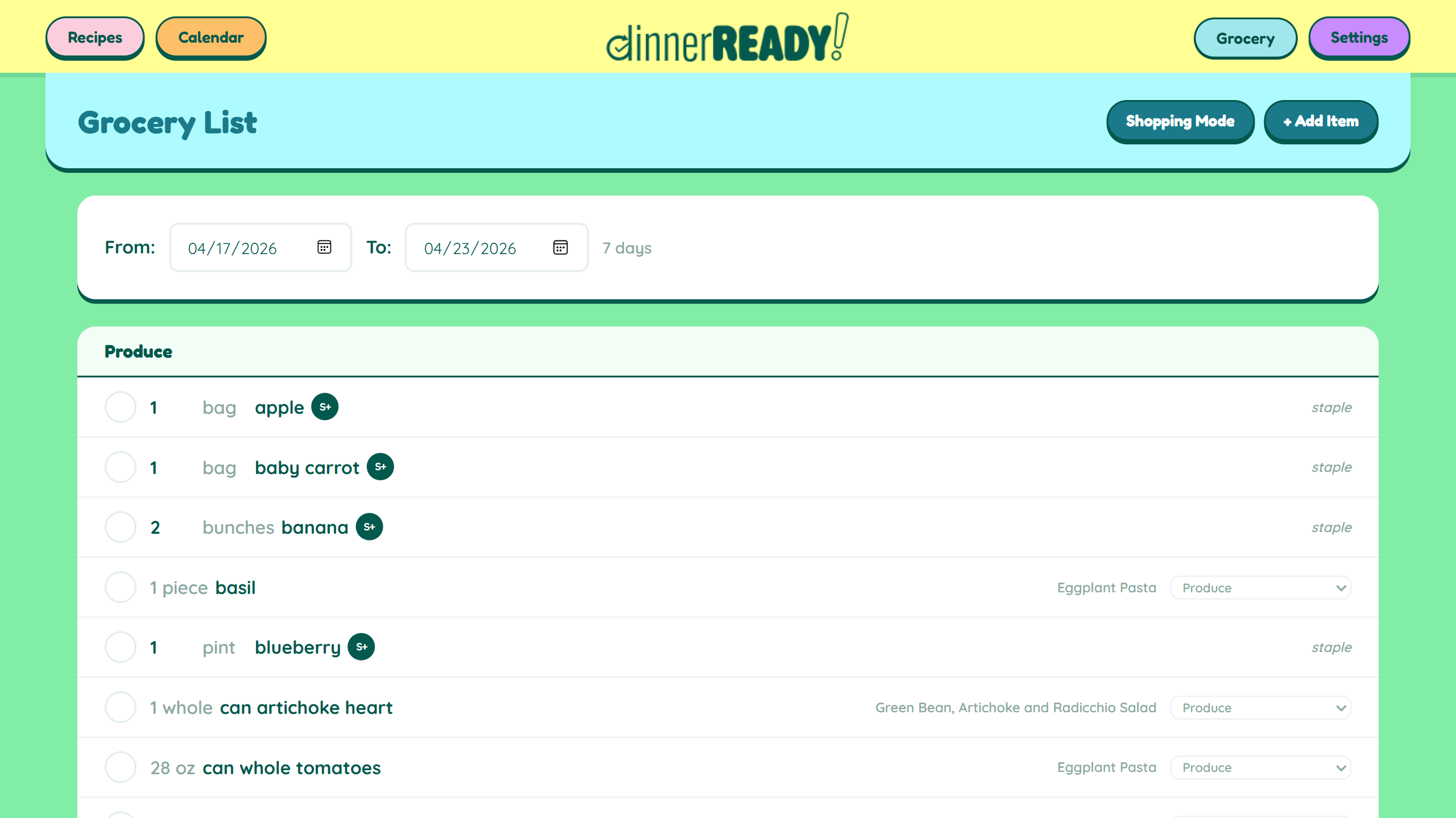
The grocery list groups items by department and syncs across devices. Shopping Mode keeps the screen on. These are not remarkable features. They are the features that make the difference between a tool you use and one you put down.
Start building your own.
Hora guides you through five stages, from initial problem definition to active build. It's the same process used to build the projects shown above.
Open Hora